


Branded Certificates Easily Issued
Use the built-in editor to create certificate templates, then link them to learning milestones. Configure availability, monitor how often they’re awarded, and confirm completion from each member profile.


Certificates Made Simple - From Design to Delivery
Design certificate templates, link them to learning milestones, choose the exact release moment, and track who earned what with simple stats and member-level records.
#1 Auto-Issue Certificates on Completion
Set certificates to appear automatically when learners meet your rules—after completing a course or at a specific lesson. You control availability so recognition happens at exactly the right moment without manual work. Learners finish, the certificate appears, and progress keeps moving.
Create your first course
with a certificate.
#2 Attach Certificates to Courses & Lessons
Add a certificate right where learning ends. From a course or lesson, select the certificate you created and choose when it becomes available.
This keeps your recognition tied to concrete milestones and makes the experience clear for learners and admins alike.
#3 Brandable Certificate Editor
Create a new certificate and tailor the layout and texts to your program’s branding in the built-in editor.
Update designs as your offer evolves, then reuse certificates across different courses without starting from scratch each time.
#4 Proof of Participation & Completion
Certificates provide formal confirmation that a learner finished your course or reached a defined stage.
Use them to recognize achievement, enhance perceived value, and add a professional finish that motivates learners to cross the line.
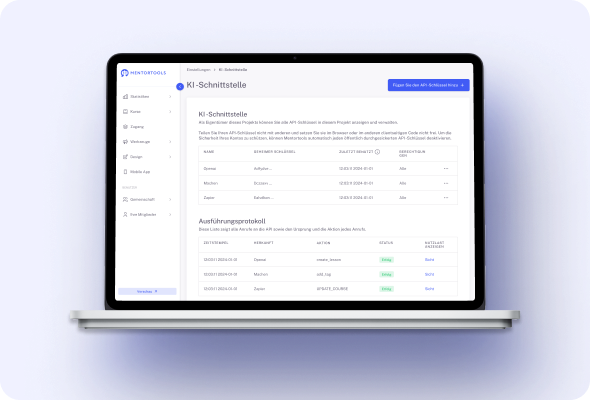
#5 Certificate Statistics at a Glance
See how often certificates are being issued and to whom, so you can verify outcomes and demonstrate program effectiveness.
These stats help you spot patterns, refine learning paths, and report results to clients or stakeholders with confidence.
#6 View Certificates per Member
Open any member profile to see which certificates they’ve earned.
This makes it easy to confirm completion, understand each learner’s journey, and keep records tidy for programs that require proof of finished training.
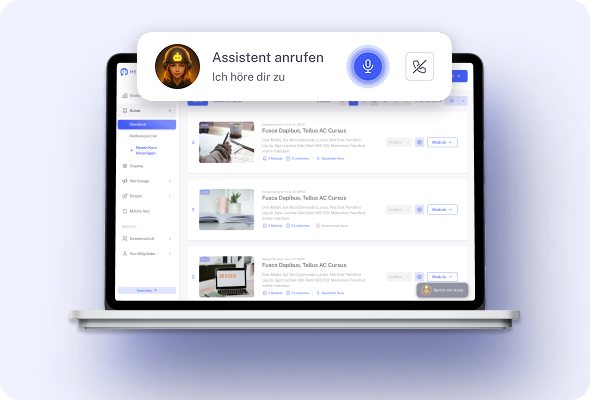
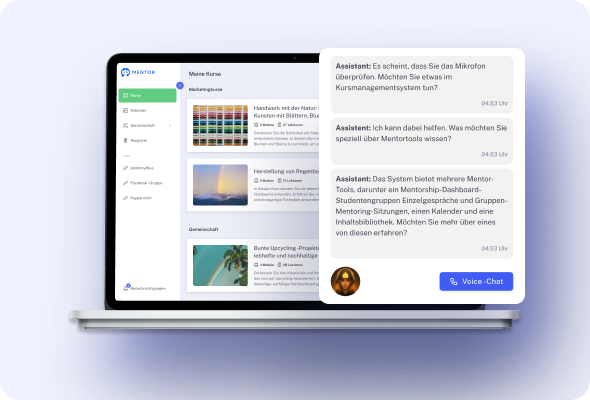
#7 Filter & Follow Up with Confidence
Because certificates are visible in member records, you can quickly identify who completed what and follow up accordingly.
Congratulate finishers, invite them to advanced courses, or nudge those who are close to earning their certificate.
#8 Fast Setup Workflow
The setup is straightforward: go to Tools → Certificates, create and edit your design, then assign it to a course or lesson and set availability.
You’ll have professional recognition live in minutes—no extra apps or design software required.
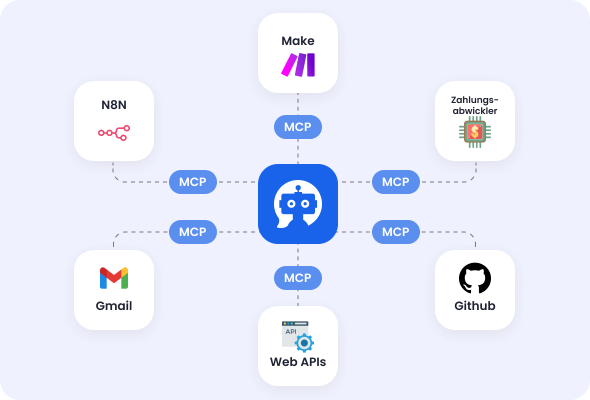
Only with Mentortools: unlimited features
Sign up now and enjoy unlimited use of Mentortools.

Your Mentortools account includes an unlimited number of courses. Create one course or 300 – there are no limits when you use Mentortools.

Invite as many members (clients, employees, etc.) as you want. No more annoying limits holding you back – scale without restrictions.

You and your members can upload as many videos, audios, images, and files as you like. No need for extra video hosting services.

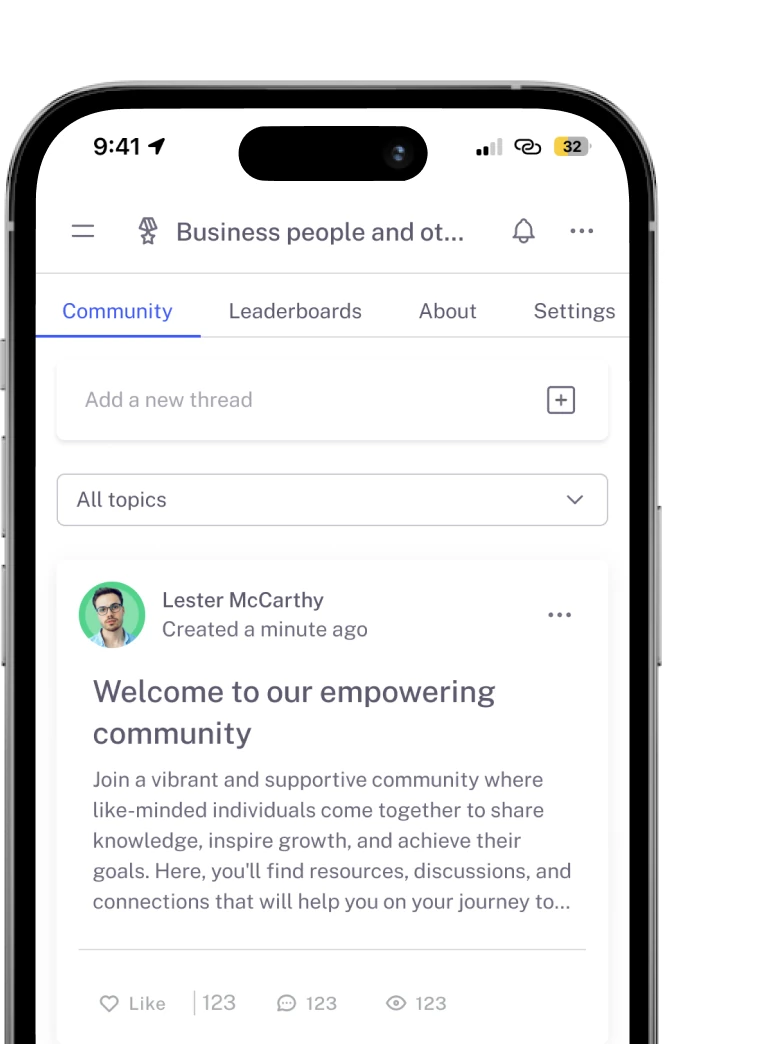
Create as many communities as you want inside Mentortools – with groups, posts, comments, and members. Total freedom to engage and grow.

Mentortools also lets you create unlimited chat groups with your users, whether directly with you or between members. Maximum flexibility.

Mentortools includes unlimited landing and sales pages. Create as many as you want with a modern visual builder.
Upcoming Features
We are constantly adding new features to make your life even easier. The following features are already well underway and coming soon.

Live-Streaming
Soon you will be able to use our upcoming live-streaming feature to host workshops directly inside your course or community. This allows you to offer high-quality live coaching sessions right within Mentortools - without needing any other software.
More Gamification
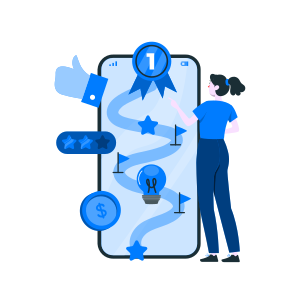
We will soon introduce additional customizable gamification features. These will let you reward course participants with community points, set up points for course or community purchases, and much more – making learning even more engaging.

Sales Chatbot
Our integrated chatbot is currently in beta and available to selected customers for testing. Very soon, the feature will be rolled out to help your chatbot proactively recommend and sell targeted additional products to your customers.