


Assess, Unlock, and Advance - All inside Mentortools
Turn assessments into milestones: set pass/fail rules to control access to new content. View scores, attempts, and statuses at a glance, then open any learner’s record to review every question and answer for targeted feedback.


Structured Learning, Clear Data
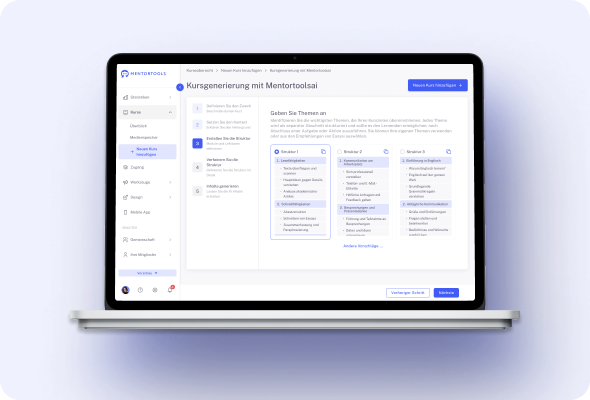
#1 Gate Progress With Pass/Fail
Use quizzes to control access to the next module or lesson. Set a required score and let Mentortools unlock new content only when learners pass. This creates real milestones, supports certification-style programs, and prevents skipping ahead. Your curriculum stays structured, and learners build mastery step by step before moving forward.
Create your first quiz
in less than 5 minutes.
#2 Quiz Results Dashboard
Track performance in one place. The Quiz Results view shows who took which quiz, when they took it, their score, pass/fail status, and the number of attempts.
Identify difficult lessons at a glance, spot learners who need help, and export insights for your team. It’s the clarity you need to refine content and improve outcomes fast.
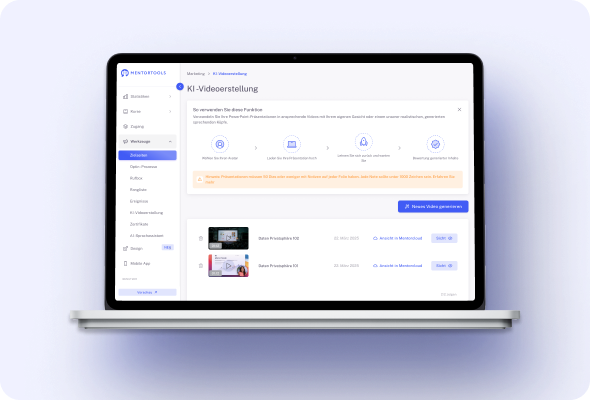
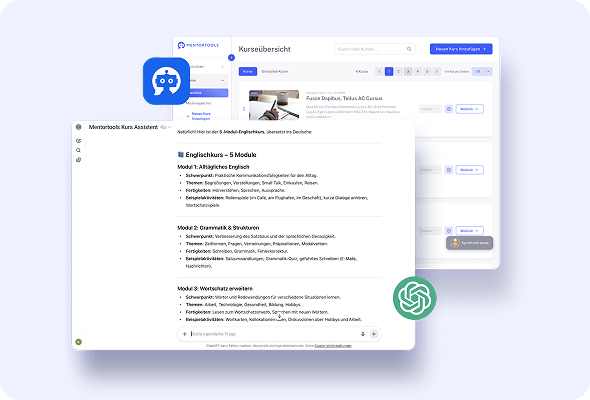
#3 Drill Down to Each Attempt
Open a learner’s record to review every attempt in detail—questions presented, answers chosen, and final result.
This level of transparency is perfect for coaching, appeals, and compliance programs that require documented assessments. Give precise feedback, understand misconceptions, and tailor next steps to each learner’s needs.
#4 Powerful Filters & Search
Find the data you need without spreadsheets. Filter results by passed, failed, or in progress; search by name or email; and narrow by date ranges to analyze cohorts or campaigns.
With targeted views you can diagnose bottlenecks in minutes, report progress to stakeholders, and keep your academy running on clear, actionable metrics.
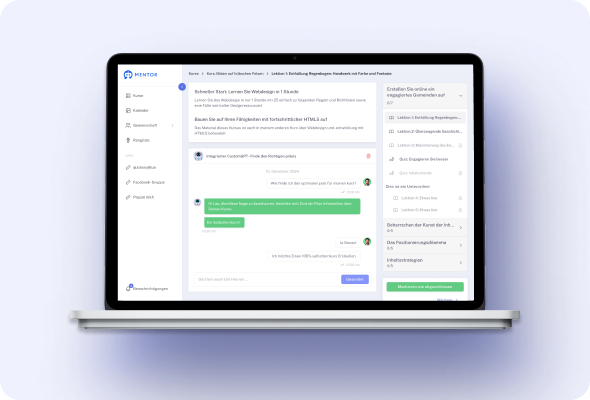
#5 Snapshot Metrics at a Glance
See difficulty and engagement instantly with average result (%) and average attempts per quiz. Use these benchmarks to fine-tune lesson material, adjust question wording, or add supporting resources.
Over time, these simple metrics help you balance challenge and clarity so more learners pass—and your training stays effective at scale.
#6 Mobile App Ready
Quizzes work in your branded Mentortools mobile app, so learning continues on the go. Learners can review a lesson, complete a quiz, and unlock the next step from phone or tablet.
It’s perfect for busy professionals and distributed teams. Keep momentum high between sessions and make progress trackable—anytime, anywhere.
#7 Connected to Community
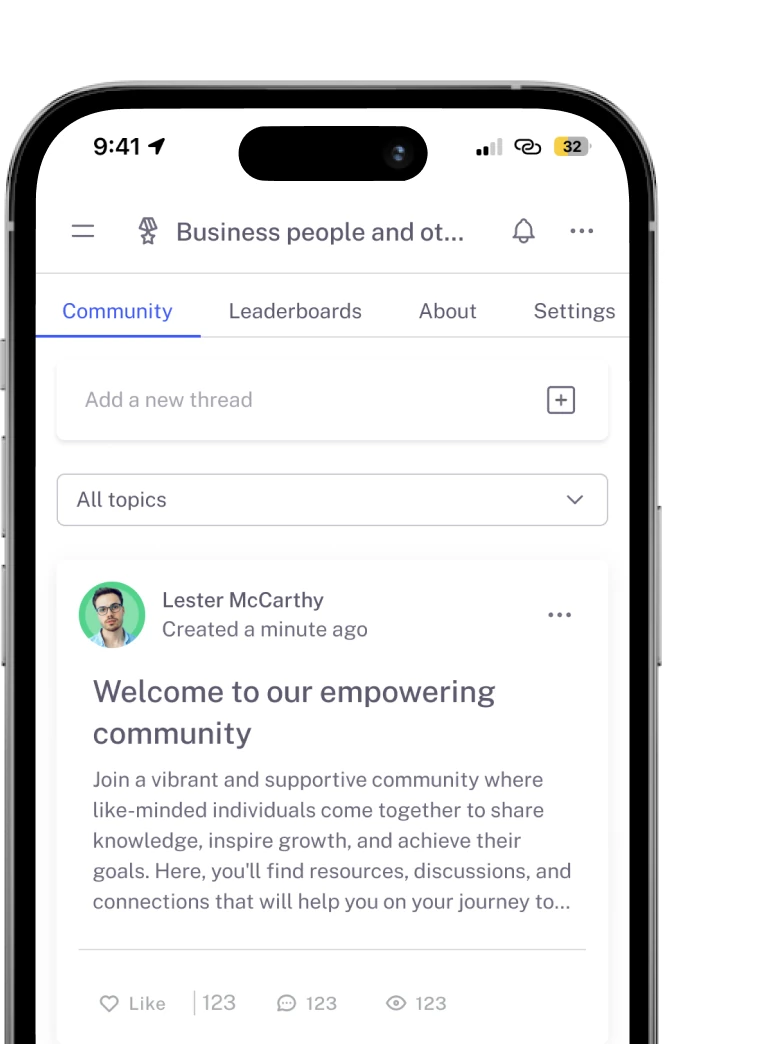
Pair quizzes with your built-in community to drive discussion and peer support. After completing an assessment, learners can share insights, ask questions, and celebrate wins in topic groups tied to your course.
You get higher engagement, faster problem-solving, and valuable feedback loops that make your content stronger over time.
#8 Create & Manage Inside Courses
Build and edit quizzes right where your lessons live—no separate tools, logins, or copy-paste.
Add questions, set pass criteria, place the quiz in a module, and publish. Because quizzes are native to Mentortools, updates stay in sync with your course structure, saving time and reducing errors during launches or curriculum changes.
Only with Mentortools: unlimited features
Sign up now and enjoy unlimited use of Mentortools.

Your Mentortools account includes an unlimited number of courses. Create one course or 300 – there are no limits when you use Mentortools.

Invite as many members (clients, employees, etc.) as you want. No more annoying limits holding you back – scale without restrictions.

You and your members can upload as many videos, audios, images, and files as you like. No need for extra video hosting services.

Create as many communities as you want inside Mentortools – with groups, posts, comments, and members. Total freedom to engage and grow.

Mentortools also lets you create unlimited chat groups with your users, whether directly with you or between members. Maximum flexibility.

Mentortools includes unlimited landing and sales pages. Create as many as you want with a modern visual builder.
Upcoming Features
We are constantly adding new features to make your life even easier. The following features are already well underway and coming soon.

Live-Streaming
Soon you will be able to use our upcoming live-streaming feature to host workshops directly inside your course or community. This allows you to offer high-quality live coaching sessions right within Mentortools - without needing any other software.

More Gamification
We will soon introduce additional customizable gamification features. These will let you reward course participants with community points, set up points for course or community purchases, and much more – making learning even more engaging.

Sales Chatbot
Our integrated chatbot is currently in beta and available to selected customers for testing. Very soon, the feature will be rolled out to help your chatbot proactively recommend and sell targeted additional products to your customers.