


Measure What Matters: Results, Attempts, Certificates
A dedicated results view shows score, status, and attempts for every quiz. Check averages, inspect answers, and confirm completion so you can unlock content confidently and support learners faster.


Clear Insights for Better Decisions
Use the results view to spot who passed, who’s stuck, and why. Filter by status, search by learner, and inspect attempt details without exporting spreadsheets.
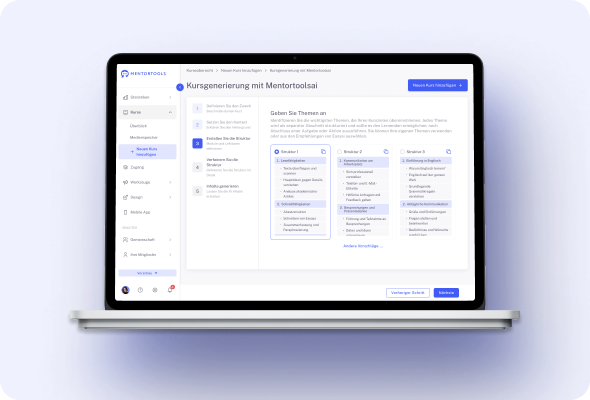
#1 Quiz Results Dashboard
Track performance in one place. The Quiz Results view shows who took which quiz, when they took it, their score, pass/fail status, and number of attempts. You immediately see where learners progress smoothly and where they struggle. Use this clarity to improve lessons, confirm completion before unlocking new content, and follow up with the right learners at the right time.
Create your finished course
in less than 5 minutes.
#2 Attempt-Level Detail for Every Customer
Open a member’s record and review each quiz attempt question by question. See exactly which answers were chosen and where misunderstandings occurred.
This transparent, attempt-level view supports precise coaching, fair reassessment policies, and quality control for programs that require documented proof of assessment and learning outcomes.
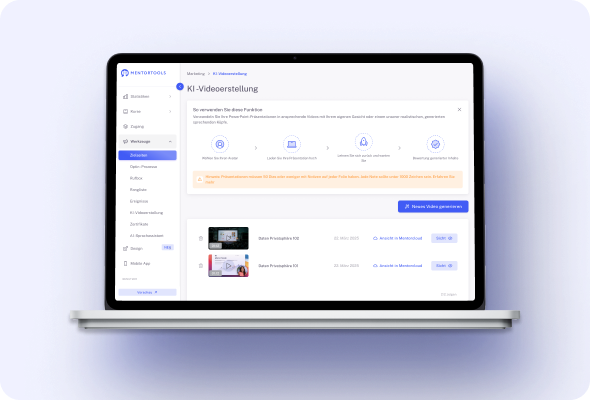
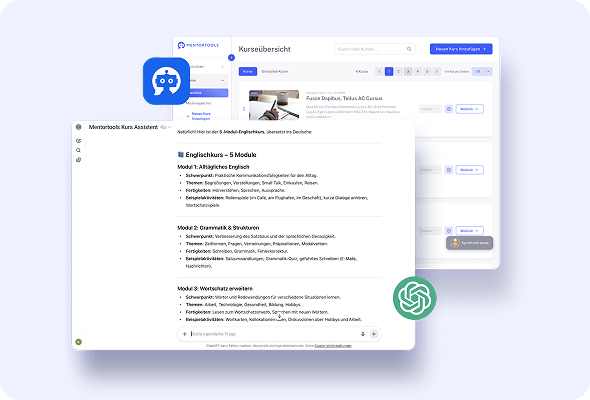
#3 Powerful Filters & Search
Find what you need fast without exporting to spreadsheets. Filter quiz data by passed, failed, or in progress, focus on specific timeframes, and search for individual learners by name or email.
With targeted views you can identify bottlenecks, confirm who’s ready to advance, and quickly respond to support requests with accurate, current information.
#4 Snapshot Metrics at a Glance
Gauge difficulty and content quality instantly with two simple indicators: average result (%) and average attempts for each quiz.
When averages dip, you know to adjust lessons or add clarifying material. When attempts spike, consider spacing content differently. These lightweight metrics make continuous improvement practical and data-driven.
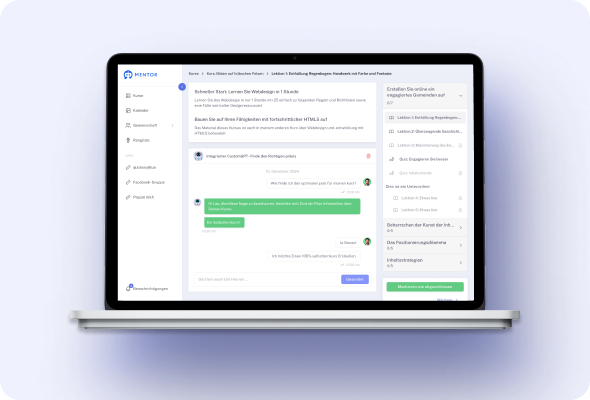
#5 Certificate Issuance Stats
See how often certificates are awarded and to whom, so you can verify completion and communicate results with confidence.
Track recognition tied to courses or specific lessons and spot trends over time—useful for client reports, internal reviews, and for demonstrating the effectiveness of your training to stakeholders.
#6 Complete View in Member Profiles
Open any learner profile to see which certificates they’ve earned and how they performed on quizzes.
Having records in a single place speeds up support, simplifies compliance checks, and gives instructors the context needed to tailor feedback, recommend the next course, or celebrate milestones that help keep learners engaged.
#7 Progress & Access Tracking
Combine pass/fail rules with visibility into who has unlocked which modules or lessons. You’ll always know who has access, who is gated by a quiz, and who needs assistance to move forward.
This keeps learning paths orderly, ensures prerequisites are met, and provides a simple way to verify that program rules are being followed.
#8 Send Reports to Your Stack, Automatically
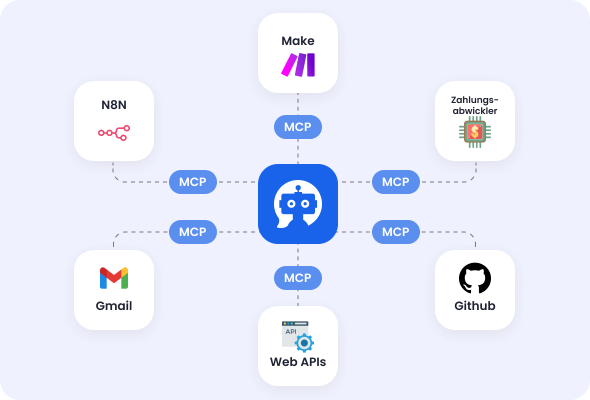
When key events happen in Mentortools (purchase, enrollment, completion, quiz result), trigger automations that log data to your CRM or spreadsheet tools.
Build simple flows that keep stakeholders informed without manual copy-paste. Your reporting stays fresh while your team focuses on content and learner success.
Only with Mentortools: unlimited features
Sign up now and enjoy unlimited use of Mentortools.

Your Mentortools account includes an unlimited number of courses. Create one course or 300 – there are no limits when you use Mentortools.

Invite as many members (clients, employees, etc.) as you want. No more annoying limits holding you back – scale without restrictions.

You and your members can upload as many videos, audios, images, and files as you like. No need for extra video hosting services.

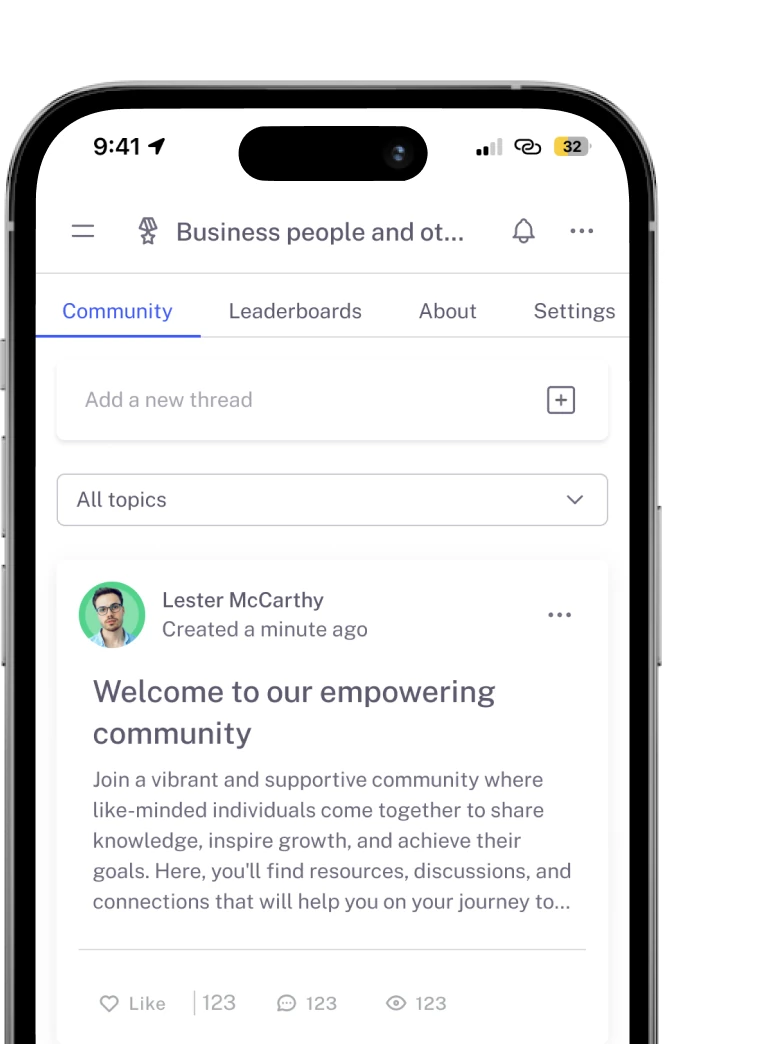
Create as many communities as you want inside Mentortools – with groups, posts, comments, and members. Total freedom to engage and grow.

Mentortools also lets you create unlimited chat groups with your users, whether directly with you or between members. Maximum flexibility.

Mentortools includes unlimited landing and sales pages. Create as many as you want with a modern visual builder.
Upcoming Features
We are constantly adding new features to make your life even easier. The following features are already well underway and coming soon.

Live-Streaming
Soon you will be able to use our upcoming live-streaming feature to host workshops directly inside your course or community. This allows you to offer high-quality live coaching sessions right within Mentortools - without needing any other software.

More Gamification
We will soon introduce additional customizable gamification features. These will let you reward course participants with community points, set up points for course or community purchases, and much more – making learning even more engaging.

Sales Chatbot
Our integrated chatbot is currently in beta and available to selected customers for testing. Very soon, the feature will be rolled out to help your chatbot proactively recommend and sell targeted additional products to your customers.