


Send the Right Email at the Exact Moment Customers Take Action
Connect your email platform and trigger messages on purchase, access granted, or lesson completion—no manual sending. Set your welcome-email sender details once and keep communication timely, on-brand, and perfectly aligned with customer progress.


Tools That Run Themselves Email & Notification
Set your default sender once, then let Mentortools deliver timely welcomes, reminders, and updates based on real learner activity across your courses and member area.
#1 Automate Emails From Day One
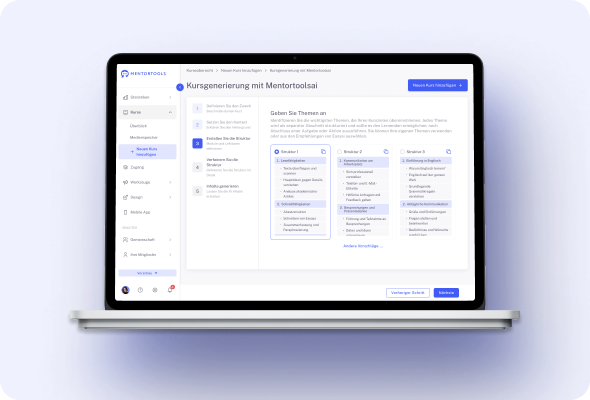
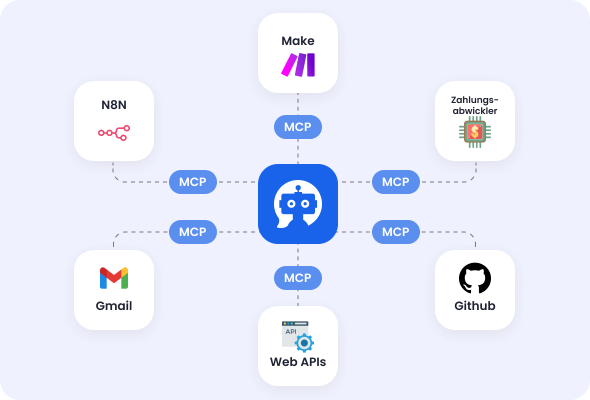
Connect Mentortools to email platforms via Zapier or Make and trigger messages the moment key events happen—purchase, access granted, lesson finished, tag added. Build no-code flows that add members, apply tags, and fire onboarding or follow-ups automatically, so communication runs without manual work.
Create your finished course
in less than 5 minutes.
#2 Welcome Emails You Control
Set the sender name, company, reply-to and other details used in your welcome emails so first contact looks professional and on-brand. Adjust these defaults once and Mentortools uses them across new member messages, keeping delivery consistent and recognizable for every learner who signs up.
#3 Email or In-App—Choose How You’re Notified
Customize notifications for your community: decide whether updates arrive by email, in-app, or both, and choose what you’re alerted about.
Stay on top of new posts and activity without noise by tailoring frequency and channels to fit how you work.
#4 Tag-Based Messaging & Access
Use your email tool’s tags to drive automations—e.g., when a contact gets a tag, grant course access or kick off a campaign; when a tag is removed, adjust access and messaging.
This keeps learning paths and communications perfectly aligned with your marketing segments.
#5 One Flow From Checkout to Inbox
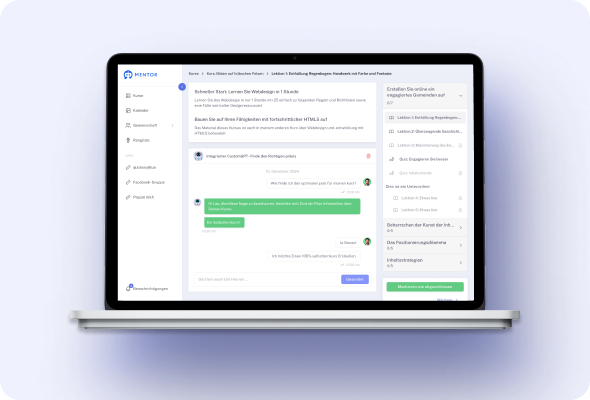
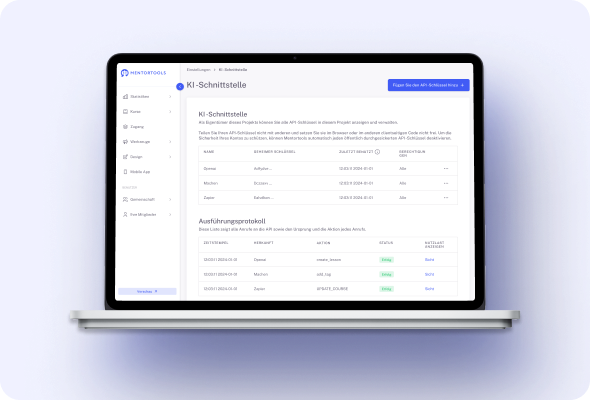
Keep selling on your preferred checkout, then let integrations pass data straight to your email system. Purchases can auto-enroll members and immediately start onboarding sequences or transactional emails, so students receive access and guidance with zero delays.
#6 No-Code Sequences With Make & Zapier
Create multi-step email journeys without writing code: when Mentortools events fire, add the learner to a list, update fields, and send the right template. Route data to CRM or sheets for reporting, keeping your audience synced across every system you rely on.
#7 Central Settings, Clean Setup
Manage connections to Mailchimp, ActiveCampaign, KlickTipp, Brevo, GetResponse, HubSpot and more from a single Integrations & Automations area.
Enter API keys once and keep an organized view of what’s connected, so your team can maintain email infrastructure confidently.
#8 Targeted Follow-Ups From Real Activity
Because notifications and integrations reflect actual learner actions, you can trigger precise follow-ups—welcome messages after sign-up, nudges after inactivity, or congratulations on completion—without exporting lists or manual checks.
Only with Mentortools: unlimited features
Sign up now and enjoy unlimited use of Mentortools.

Your Mentortools account includes an unlimited number of courses. Create one course or 300 – there are no limits when you use Mentortools.

Invite as many members (clients, employees, etc.) as you want. No more annoying limits holding you back – scale without restrictions.

You and your members can upload as many videos, audios, images, and files as you like. No need for extra video hosting services.

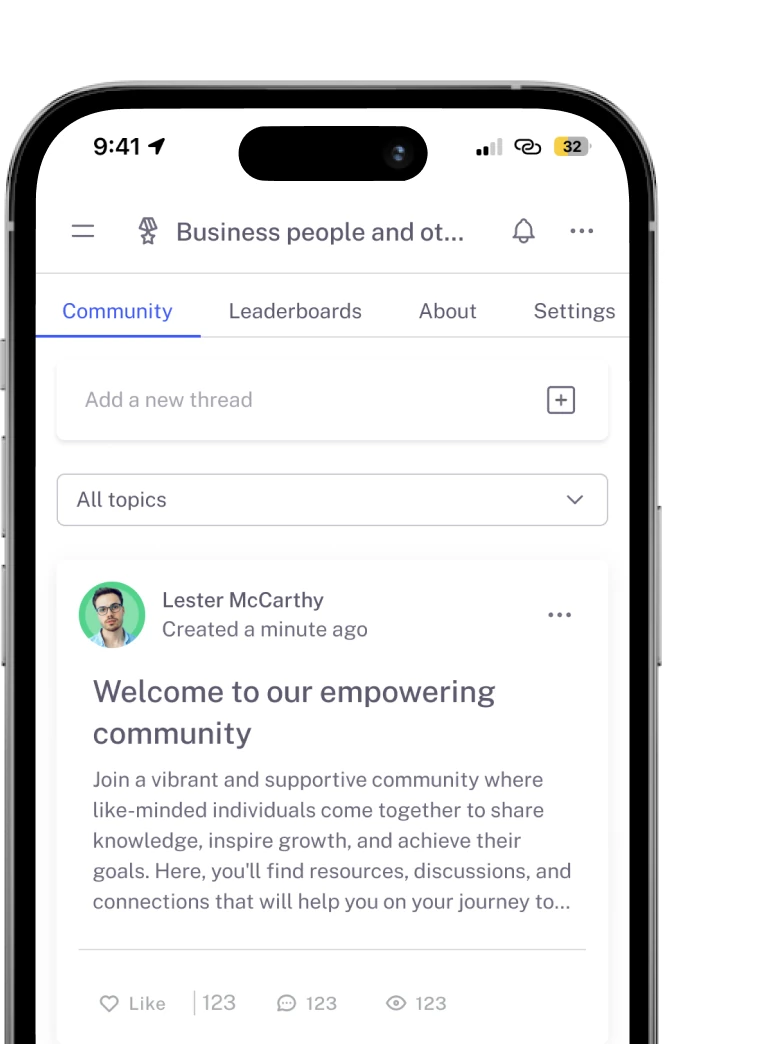
Create as many communities as you want inside Mentortools – with groups, posts, comments, and members. Total freedom to engage and grow.

Mentortools also lets you create unlimited chat groups with your users, whether directly with you or between members. Maximum flexibility.

Mentortools includes unlimited landing and sales pages. Create as many as you want with a modern visual builder.
Upcoming Features
We are constantly adding new features to make your life even easier. The following features are already well underway and coming soon.

Live-Streaming
Soon you will be able to use our upcoming live-streaming feature to host workshops directly inside your course or community. This allows you to offer high-quality live coaching sessions right within Mentortools - without needing any other software.

More Gamification
We will soon introduce additional customizable gamification features. These will let you reward course participants with community points, set up points for course or community purchases, and much more – making learning even more engaging.

Sales Chatbot
Our integrated chatbot is currently in beta and available to selected customers for testing. Very soon, the feature will be rolled out to help your chatbot proactively recommend and sell targeted additional products to your customers.