


From Payments to Progress: Program Mentortools with a Public API
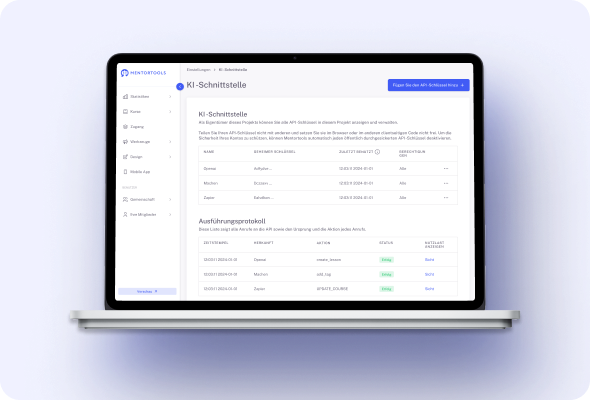
The Public API and MCP server let you integrate course data and automate processes programmatically. Fetch stats, manage members, and start actions from your apps while keeping permissions and access centralized in Mentortools.


What You Can Build with the Mentortools Public API
Use authenticated endpoints and the built-in MCP server to read data, enroll users, fetch counts, and trigger workflows—so dashboards, tools, and automations stay perfectly in sync with your academy.
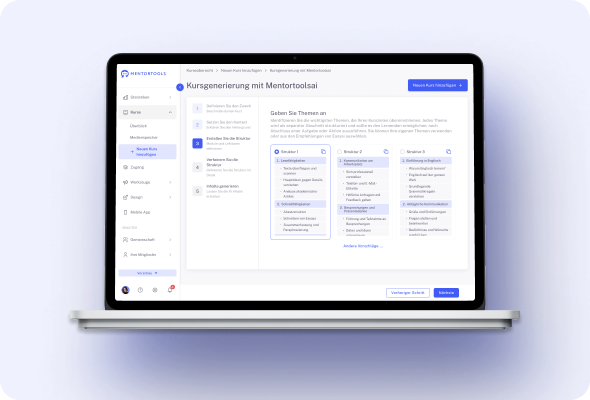
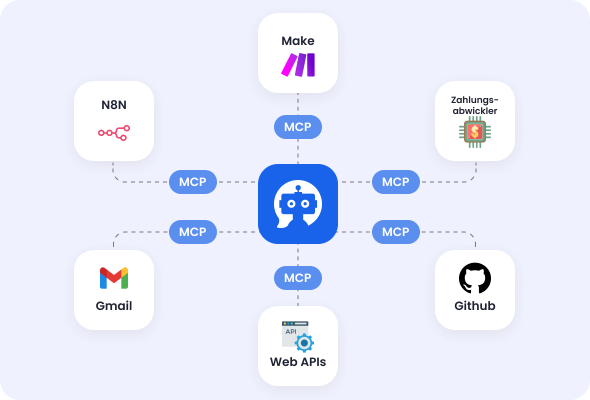
#1 Connect AIs & Automations via the Built-In MCP Server
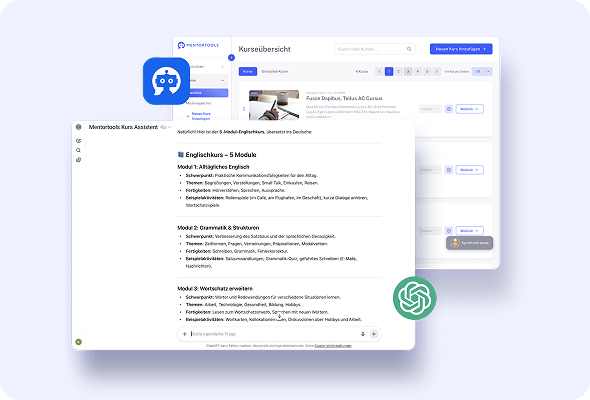
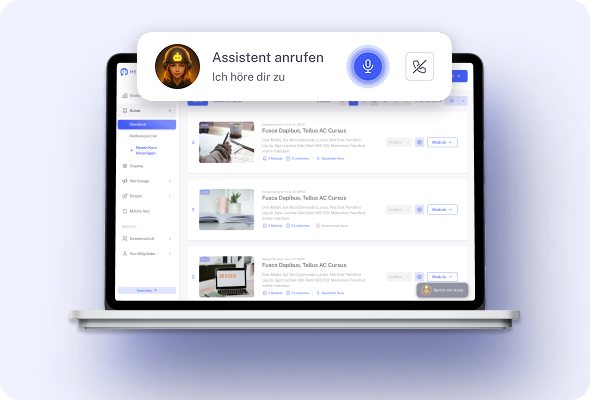
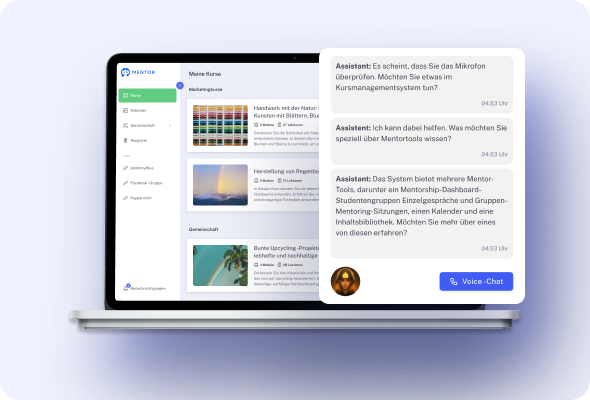
Use Mentortools’ integrated MCP server to let your automation layer or “AI employees” interact with your academy programmatically.
Give tools controlled access to the data and actions they need, then orchestrate tasks without touching the UI. It’s the foundation for custom workflows that work alongside your team and keep operations moving around the clock.
Create your account
and start using the MCP
#2 Official Make Integration with Ready-Made Actions
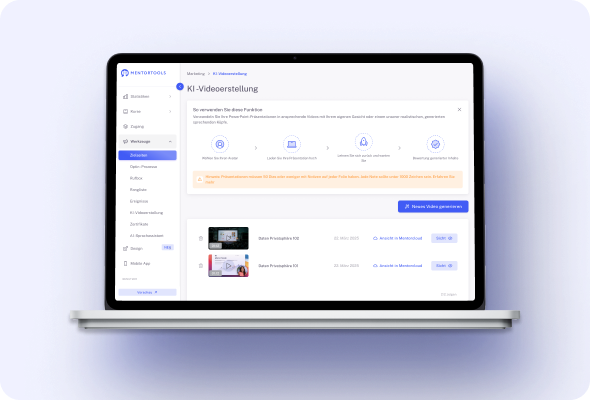
Build flows visually in Make using Mentortools actions like Count Courses and Count Lessons. Pull quick stats, route them to spreadsheets or dashboards, ping Slack, or trigger follow-ups—no code needed.
These native blocks make it simple to generate lightweight reports and keep stakeholders informed as your catalog grows.
#3 Zapier: Link Mentortools to Thousands of Apps
Connect Mentortools through Zapier to automate handoffs between your academy and the rest of your stack.
When events occur, add members, tag contacts, create purchases, or kick off onboarding automatically. Zapier bridges your tools so data and actions flow reliably without manual exports or copy-paste.
#4 Auto-Enrollment from Your Checkout via API Keys
Keep selling on Digistore24, ThriveCart, CopeCart, Stripe, Elopage/Ablefy and let Mentortools handle enrollment the moment a payment clears.
API-key connections sync the order to the right course, grant access instantly, and can adjust permissions on refunds—so your developers don’t have to maintain brittle custom scripts.
#5 Programmatic Triggers for Messaging & CRM Updates
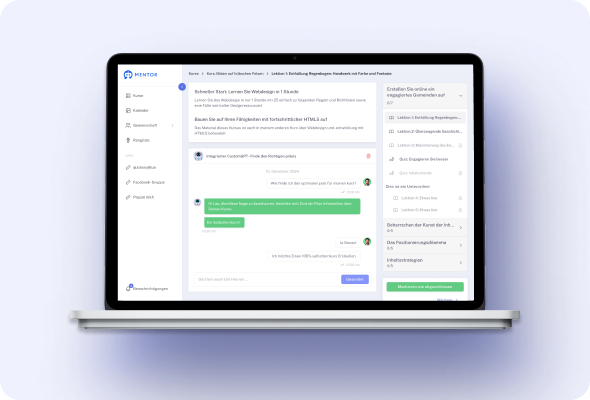
Use your automation layer to fire emails, update fields, and move contacts between lists as learning milestones are reached.
Purchases, access changes, and completions can trigger downstream actions, keeping your CRM and communication tools aligned with real learner activity—no manual intervention required.
#6 Centralized Keys & Connections
Manage everything in Settings → Integrations & Automations. Add credentials once, see what’s connected, and keep an auditable overview of data flows.
Centralized control reduces setup time for developers, simplifies key rotation, and makes it easy to pause or retire integrations as your processes evolve.
#7 Event-Driven Workflows from Learning Activity
Treat Mentortools events as signals for the rest of your stack. Completion can trigger a certificate email; a new purchase can open access and notify support; inactivity can create a task.
With automations in place, your processes react to what learners do—fast, consistent, and hands-off.
#8 Keep Payments with Trusted Providers, Not Custom Code
Because Mentortools integrates with established checkouts, your devs avoid building or securing payment logic themselves.
You keep your existing processors and reporting, while the platform focuses on access control and learning—clean separation of responsibilities and fewer moving parts to maintain.
Only with Mentortools: unlimited features
Sign up now and enjoy unlimited use of Mentortools.

Your Mentortools account includes an unlimited number of courses. Create one course or 300 – there are no limits when you use Mentortools.

Invite as many members (clients, employees, etc.) as you want. No more annoying limits holding you back – scale without restrictions.

You and your members can upload as many videos, audios, images, and files as you like. No need for extra video hosting services.

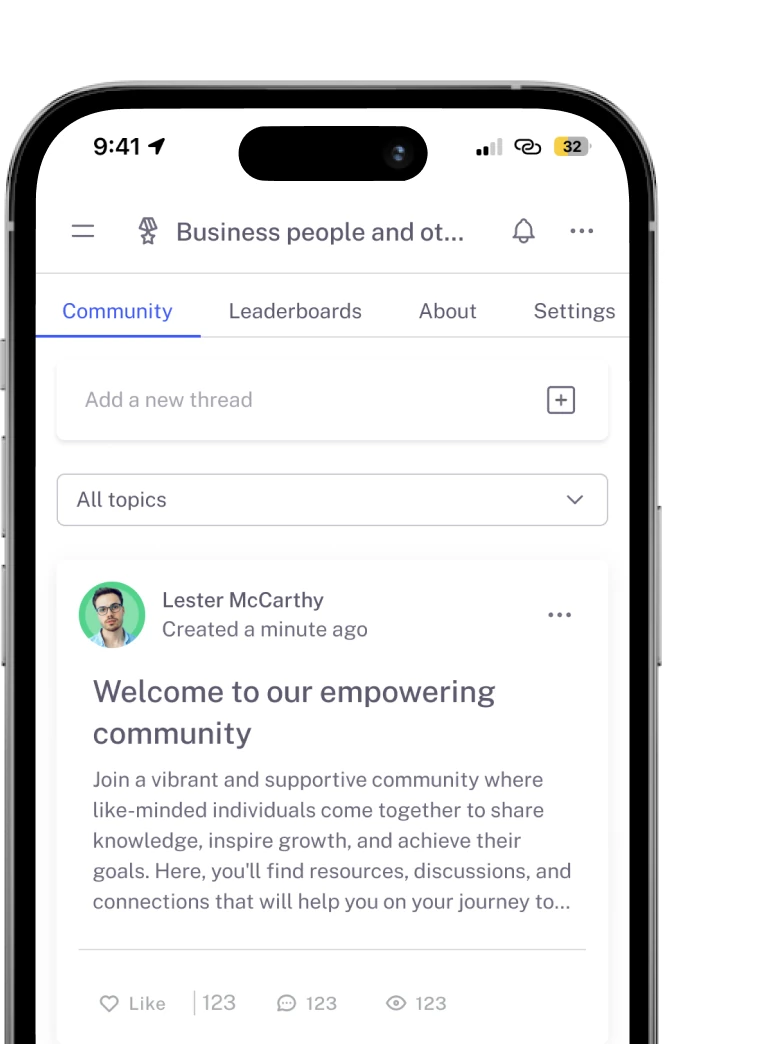
Create as many communities as you want inside Mentortools – with groups, posts, comments, and members. Total freedom to engage and grow.

Mentortools also lets you create unlimited chat groups with your users, whether directly with you or between members. Maximum flexibility.

Mentortools includes unlimited landing and sales pages. Create as many as you want with a modern visual builder.
Upcoming Features
We are constantly adding new features to make your life even easier. The following features are already well underway and coming soon.

Live-Streaming
Soon you will be able to use our upcoming live-streaming feature to host workshops directly inside your course or community. This allows you to offer high-quality live coaching sessions right within Mentortools - without needing any other software.

More Gamification
We will soon introduce additional customizable gamification features. These will let you reward course participants with community points, set up points for course or community purchases, and much more – making learning even more engaging.

Sales Chatbot
Our integrated chatbot is currently in beta and available to selected customers for testing. Very soon, the feature will be rolled out to help your chatbot proactively recommend and sell targeted additional products to your customers.